
How Michigan Jail Mugshots Work
Booking photos are local jail records. A Michigan county may publish them in an inmate inquiry portal, a recent-bookings feed, a daily report, or a roster profile. Another county may not publish a live photo at all. Juvenile, sealed, expunged, set-aside, victim-sensitive, medical, or safety-sensitive records can be withheld or redacted. No statewide source in the research supports one combined public mugshot gallery for all Michigan jails.
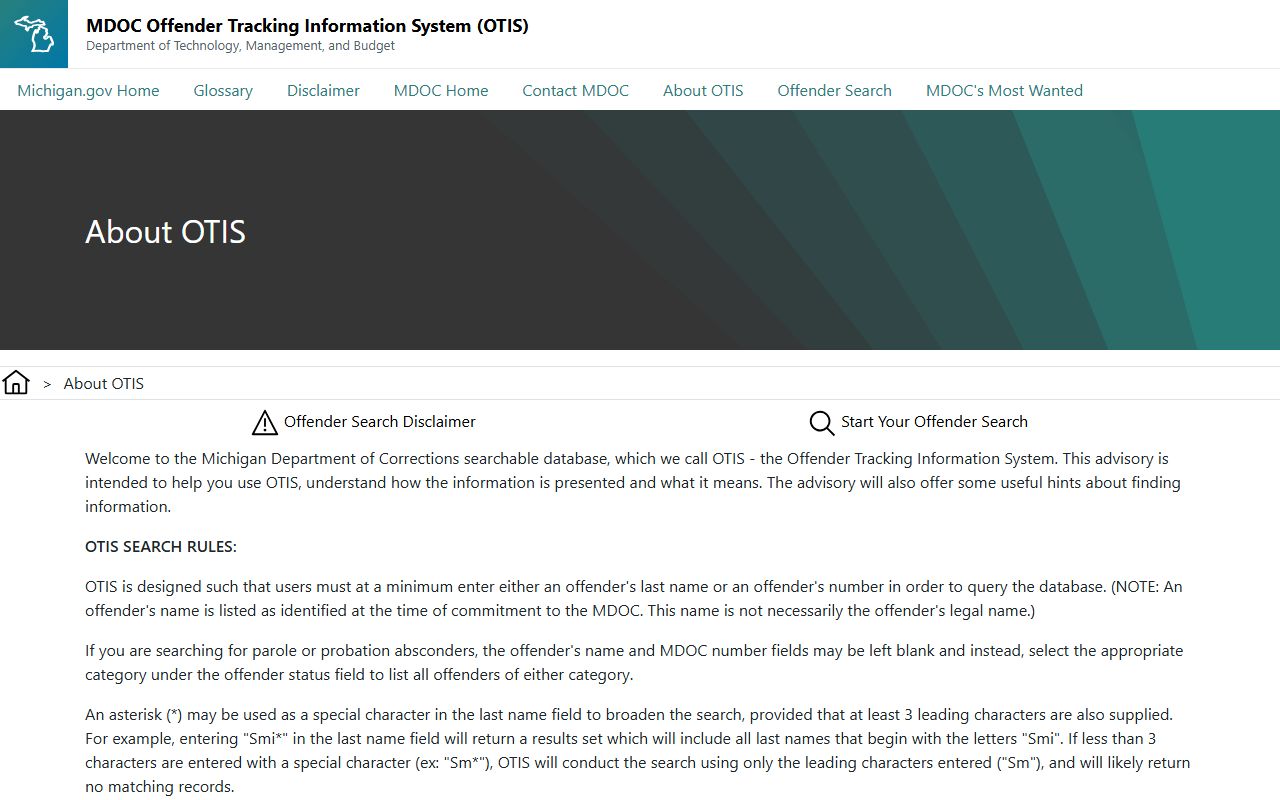
MDOC OTIS is different. OTIS may include photos for state prisoners and supervision cases when available, but MDOC says some older photos and records outside its scope may not appear. OTIS also excludes county jail inmates and city lockup prisoners.
The MDOC OTIS explainer describes the state-prison photo and record scope.
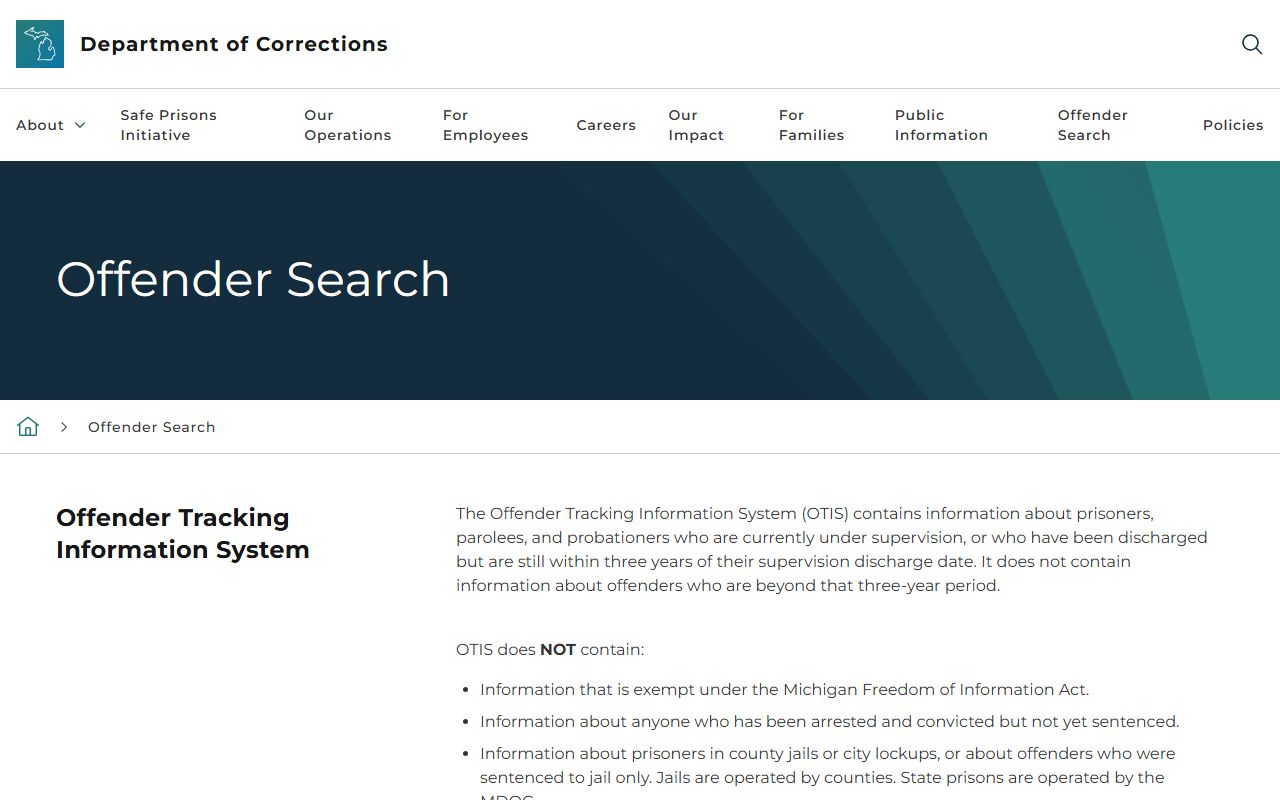
Use OTIS for state custody photos and county rosters for local booking photos.
Find Michigan Booking Photos
The best path is to identify the booking county first. If the person is still in jail, the public roster may show a photo beside the booking record. If the person has been released, transferred, or sentenced, the photo may disappear from the live roster or move into a records-request process. VINELink can support notification, but it is not a complete mugshot archive.
- Find the county that booked or holds the person.
- Open the county's inmate population site from the Michigan County Directory.
- Search the jail roster by name or booking number.
- Open the profile and check whether a photo is displayed.
- If no photo appears, contact the sheriff or county FOIA office for the booking-photo request path.
The Michigan VINELink page is useful for custody notifications where a county participates.
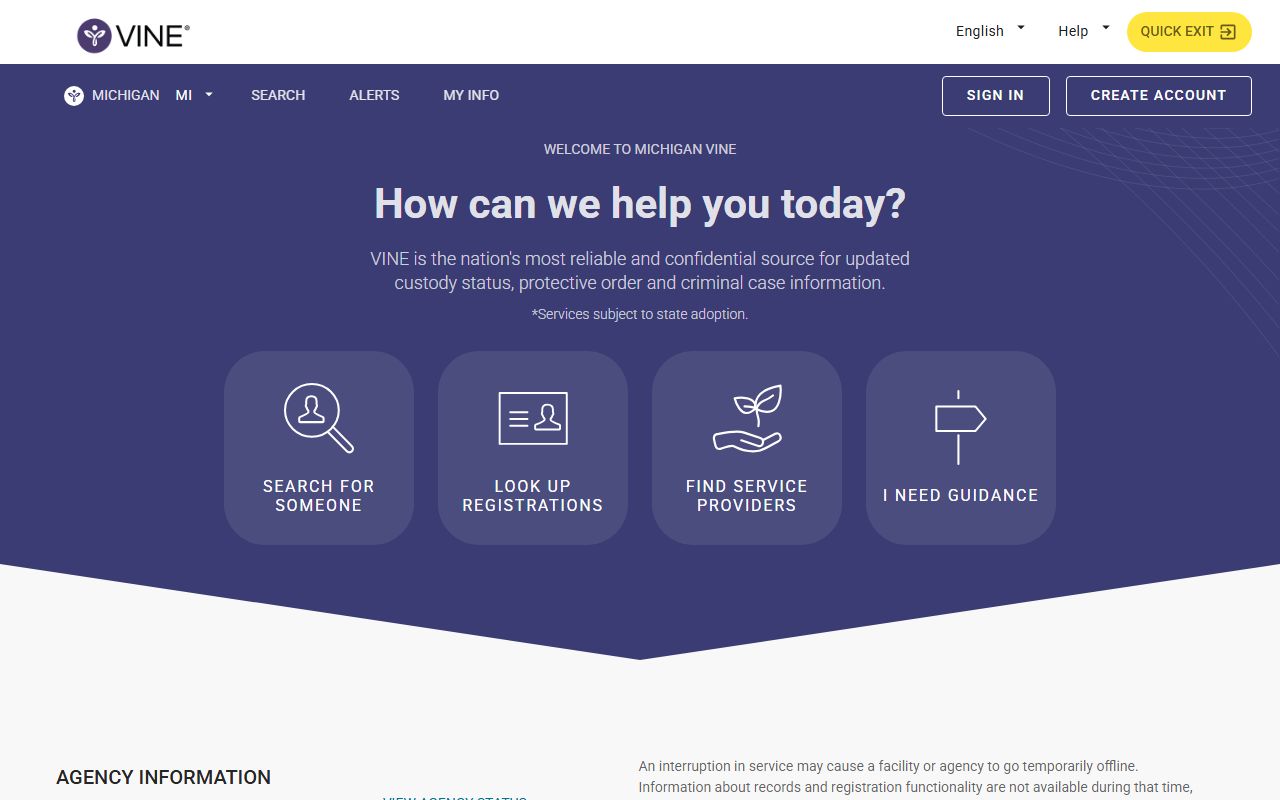
VINELink can supplement a roster search, but it should not be treated as a photo repository.
Michigan Mugshot Record Fields
A booking-photo profile can show more than an image. It often appears with the name, booking number, arrest or booking date, charge text, bond, hold, agency, facility, and release status. Exact labels vary by county and vendor. The court file controls formal charges and disposition, while the jail roster controls current custody and booking details.
| Field | What it means | Limits |
|---|---|---|
| Booking photo | Image taken during intake at a jail or lockup. | May be hidden, removed, restricted, or unavailable. |
| Charge text | Initial jail or agency charge label. | May change when prosecutor files court charges. |
| Bond or hold | Release term, no-bond status, warrant, detainer, or other hold. | Can change after court action. |
| Custody status | Booked, housed, released, transferred, or otherwise updated locally. | May lag behind actual movement. |
The MiCOURT portal should be checked when a booking photo is tied to filed court charges.
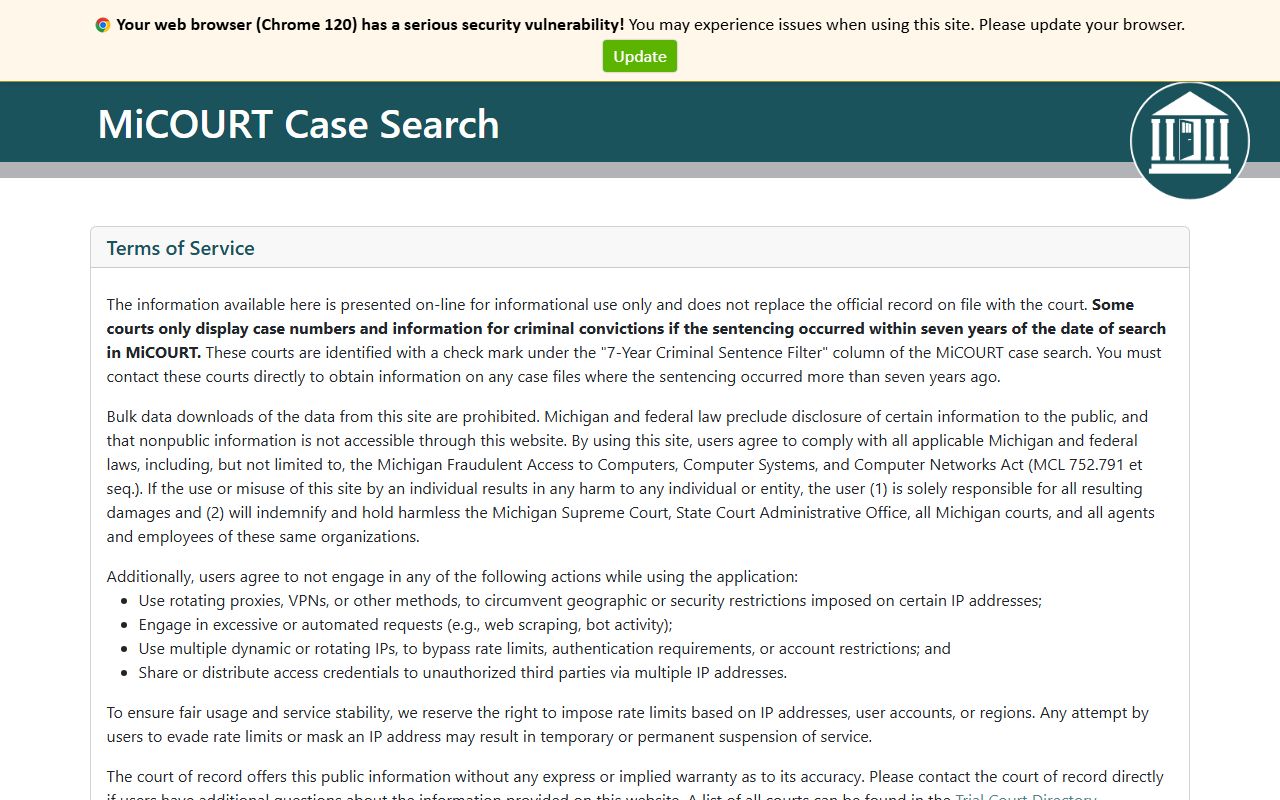
MiCOURT can clarify whether an arrest charge became a filed case, amended charge, dismissal, or conviction.
Michigan Mugshots and FOIA
Michigan FOIA gives a public-records framework, but it does not guarantee that every booking photo is online or released without redaction. Requests for county jail booking photos normally go to the sheriff or county records office. State-prison records go to MDOC. Court-controlled images or exhibits go to the court. Exemptions can apply for safety, security, privacy, active investigations, juveniles, medical information, and sealed or set-aside matters.
Important: Public access to a booking photo is a records question, not proof of guilt or final case outcome.
The Michigan FOIA public-policy statute supplies the statewide access baseline for public records.
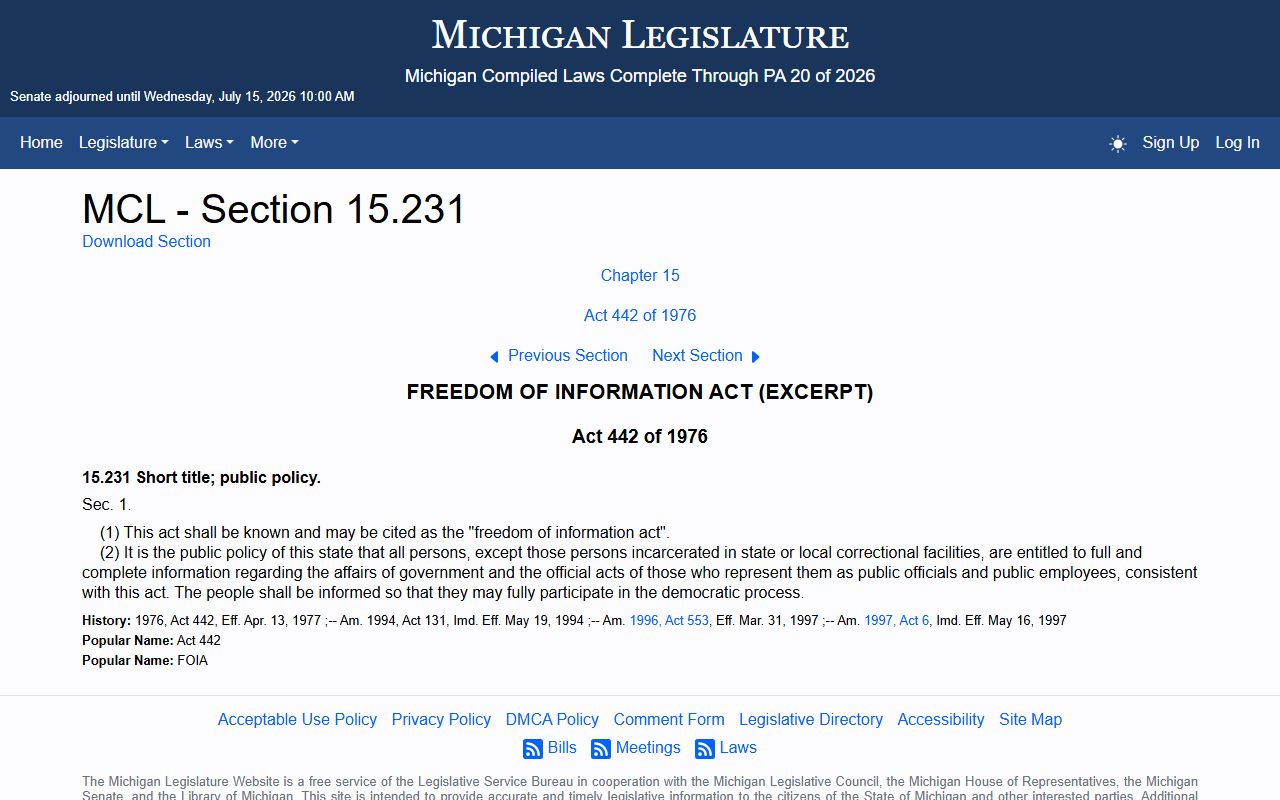
FOIA requests should be sent to the agency that created or holds the record, not to a general statewide search page.
Remove or Correct Michigan Mugshots
Removal depends on who published the photo and why it remains public. A county roster photo may disappear after release, transfer, retention-window expiration, or record update. A court case that is dismissed, sealed, expunged, or set aside may support a correction request to the proper agency, but each system has its own rules. Commercial mugshot sites are not endorsed here, and the research does not support sending users to pay-to-remove publishers.
For state-prison photos, review OTIS scope and contact MDOC when the record falls under MDOC custody. For local booking photos, contact the county sheriff or FOIA office. For court suppression, sealing, or set-aside status, contact the court clerk or a licensed attorney.
The OTIS About page defines MDOC status fields that affect how state records appear.
Record status should be checked before assuming that a photo's absence or presence reflects the final legal result.
Public Record Search
Sponsored Results